RightCX

20%
of the average workweek can be spent searching for and gathering information.
McKinsey Global Institute
76%
of contact center leaders say agents are overwhelmed by the systems and data they have to manage.
Deloitte Digital, 2024 Global Contact Center Survey
1%
improvement in first-call resolution can drive a corresponding 1% improvement in customer satisfaction and 1% reduction in operating costs.
SQM Group FCR research
RightCX Product Overview
AI-Assisted Support from First Interaction to QA
RightCX is an AI-assisted customer support suite from The Functionary that helps contact center teams improve how customer interactions are handled, supported, and evaluated.
RightCX works within your existing operations, using your knowledge base, customer data, processes, and QA standards to give agents better support in the moment, automate repetitive work, and give managers greater visibility into performance.
Key Benefits
Support agents in real time
Reduce time spent searching for information
Reduce hold and handle times
Provide more consistent responses across teams
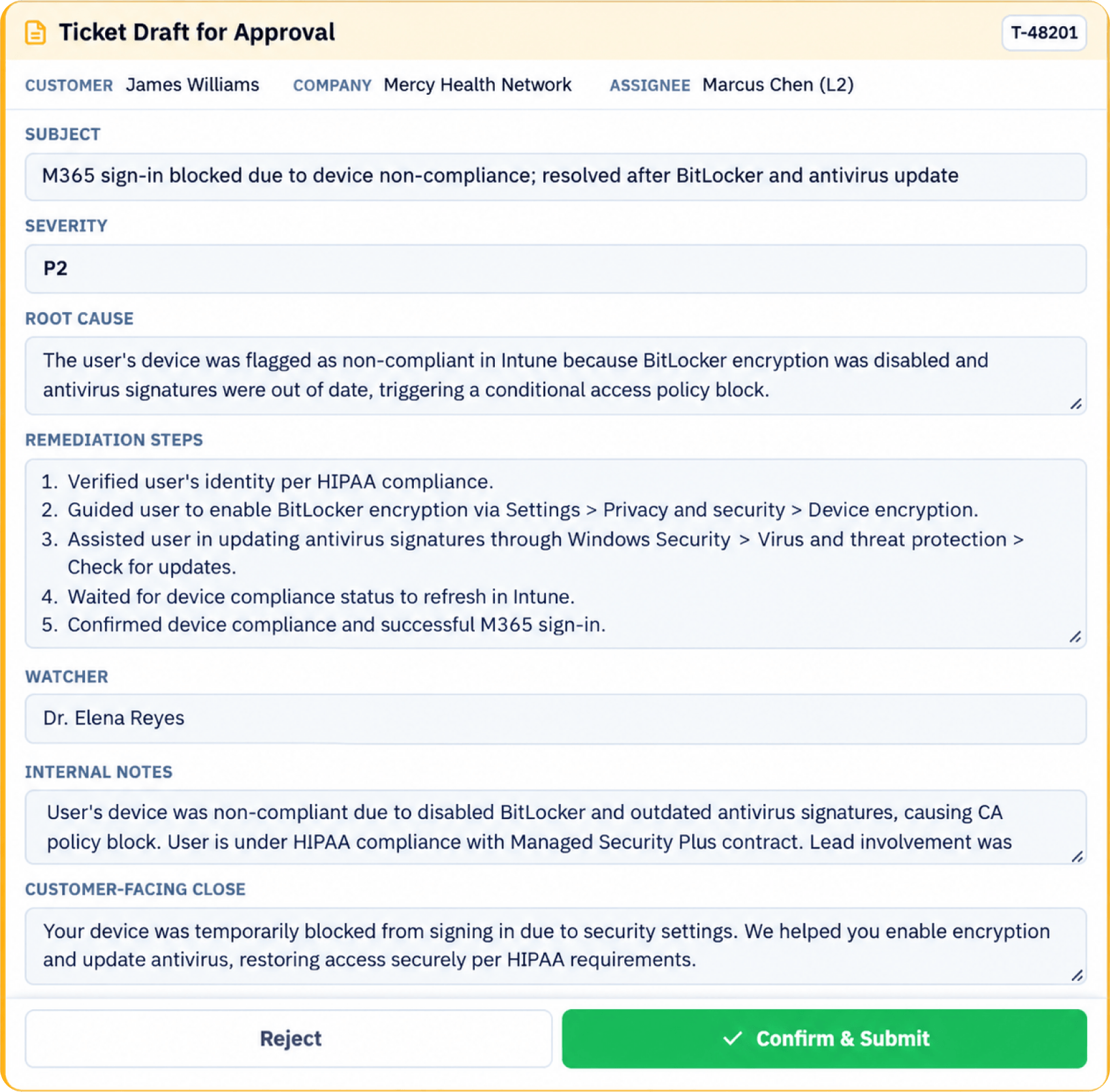
Auto-draft call notes so agents can move to the next call faster
Improve agent readiness
Reduce reliance on memorization
Support faster training and ramp-up
Expand QA coverage
Score 100% of interactions against your defined rubric
Identify compliance and performance gaps earlier
Keep people in control
Agents can override or manually navigate live guidance
Managers can review and overturn QA scores
CUSTOMER SUPPORT
Solve the Gaps That Slow Agents Down

Agents Can’t Find the Right Information Fast Enough
Knowledge is spread across ticketing systems, CRM records, documents, and multiple knowledge sources. Agents search while the customer waits, rely on memory, or put the customer on hold.
Processes Change Faster Than Static Playbooks
Product information, policies, procedures, and customer requirements are constantly changing, and agents can end up using outdated information.
Customer Context Gets Lost Between Interactions
Agents may need to search across systems to understand what happened before. RightCX brings relevant customer and ticket history into the interaction.
Compliance Depends on the Agent Remembering Every Step
Required disclosures, identity verification, escalation procedures, and service levels can be missed when agents manage them manually.
Manual QA Only Sees a Fraction of What Is Happening
Traditional QA evaluates a small sample of interactions, so compliance, experience, and coaching issues can stay hidden.
AI-ASSISTED OPERATIONS
One AI-Assisted Customer Experience Suite,
Three Connected Modules

Give Agents the Right Guidance While the Conversation Is Happening
RightCX listens to the conversation and provides real-time support based on the customer, the issue, and your operating procedures.
Designed to improve: handle time, hold time, consistency, agent confidence, training time, and first-call resolution.

Move from Limited Sampling to Consistent Review of Every Interaction
RightCX scores 100% of interactions against your QA rubric, flags failed criteria and high-risk issues, and keeps managers in control of the final review.
Designed to improve: QA coverage, compliance visibility, coaching, consistency, and supervisor efficiency.

Resolve Routine Inquiries Automatically, with a Clean Handoff to People
RightCX AI agents use your knowledge base to handle appropriate inquiries automatically, and escalate to a human agent when an issue needs human judgment.
Designed to improve: response capacity, availability, repetitive inquiry handling, and the handoff to human support.
PROCESS
How RightCX Works
Capture
The customer interaction begins and RightCX captures the conversation.
Guide
Live Agent Assist activates the appropriate workflow and provides real-time support.
Answer
Agents get answers in the context of the conversation, then RightCX auto-drafts the call notes at wrap-up.
Score
Automated QA evaluates the interaction against your defined criteria.
Review
Supervisors review performance, identify gaps, and use the results for coaching and continuous improvement.
ENTERPRISE READY
Compliant and Resilient

Get Started
See RightCX in Action
Talk with our team about your contact center.